


Knows a cry
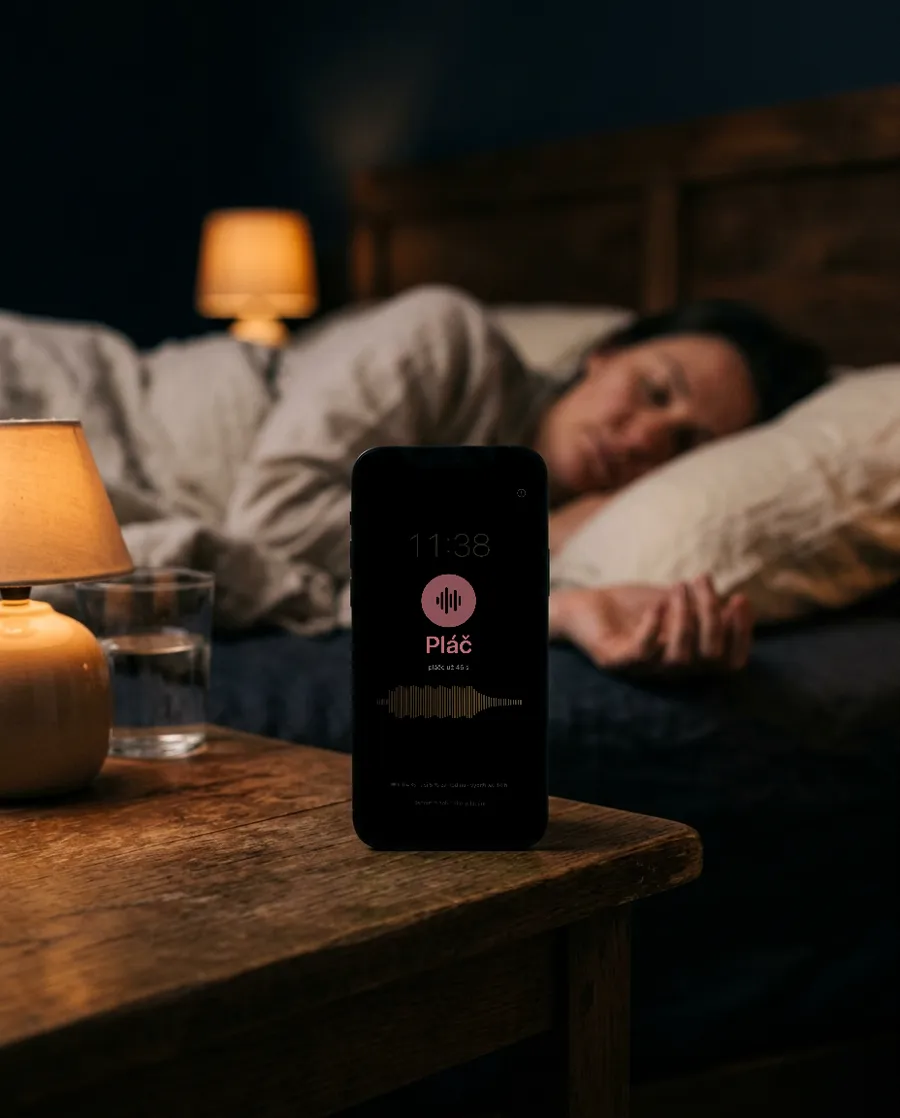
It tells a baby’s cry from other sounds, right on the phone. A dog or a door won’t wake you.
An old phone or a cheap Wi-Fi camera watches the crib, you watch on yours. It knows a cry and wakes you. The video never leaves your home Wi-Fi.
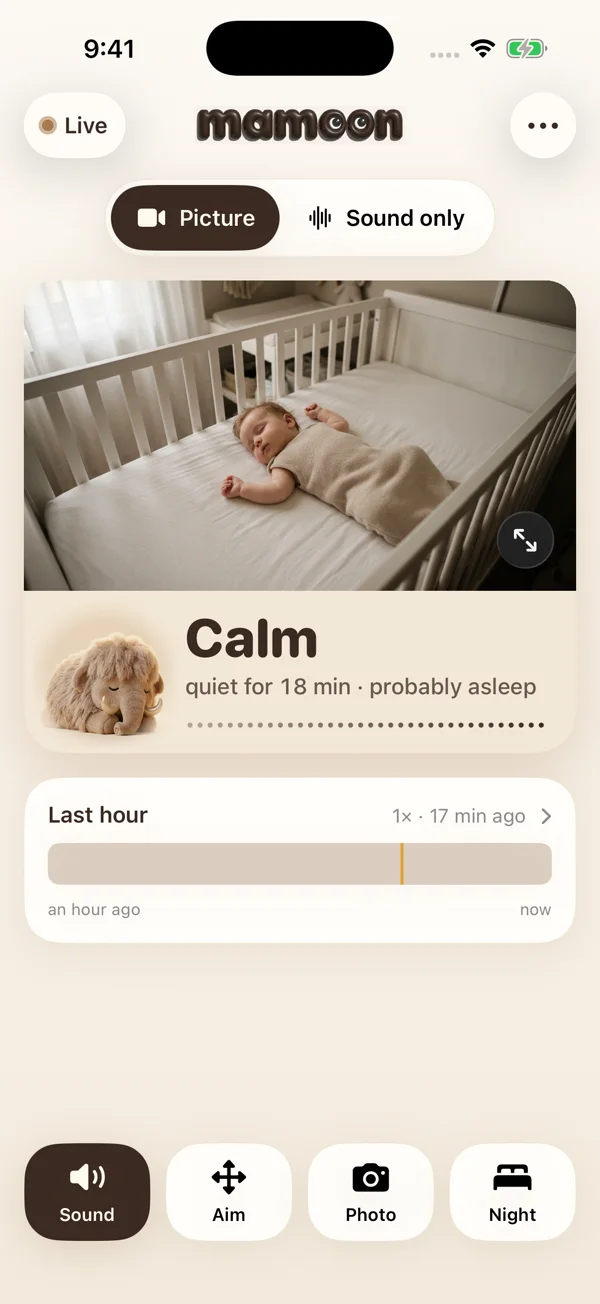
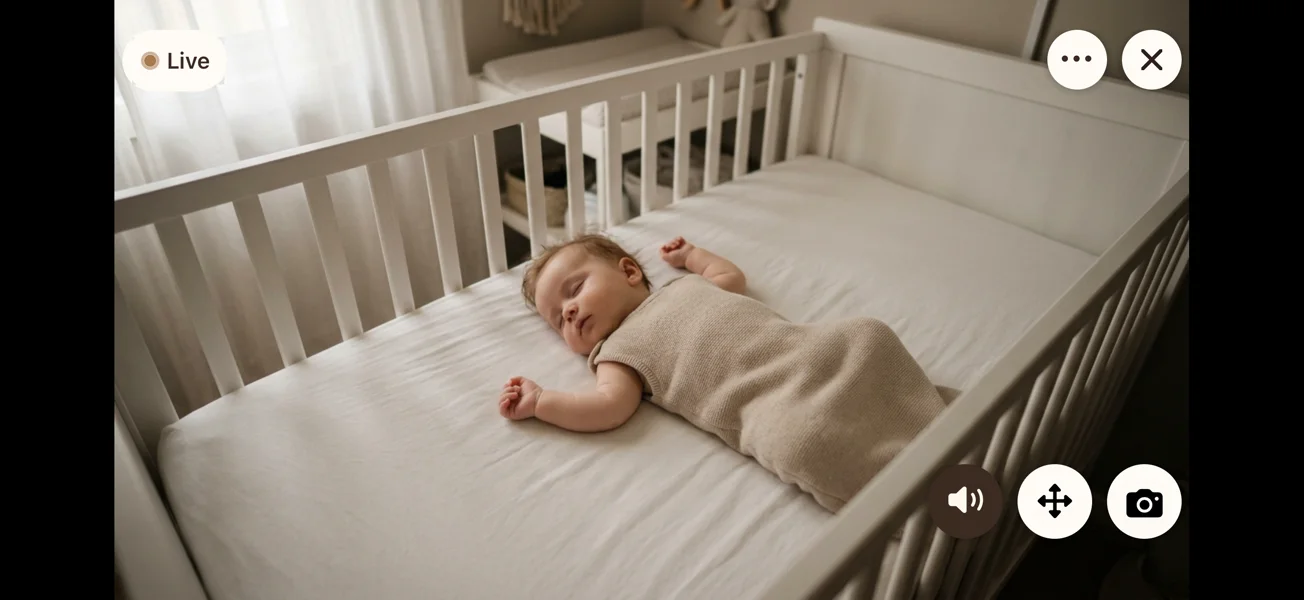
Sideways, the picture fills the screen. How the room is doing stays in the corner, with sound and a photo one tap away.
 Your phonepicture, sound and cry alerts
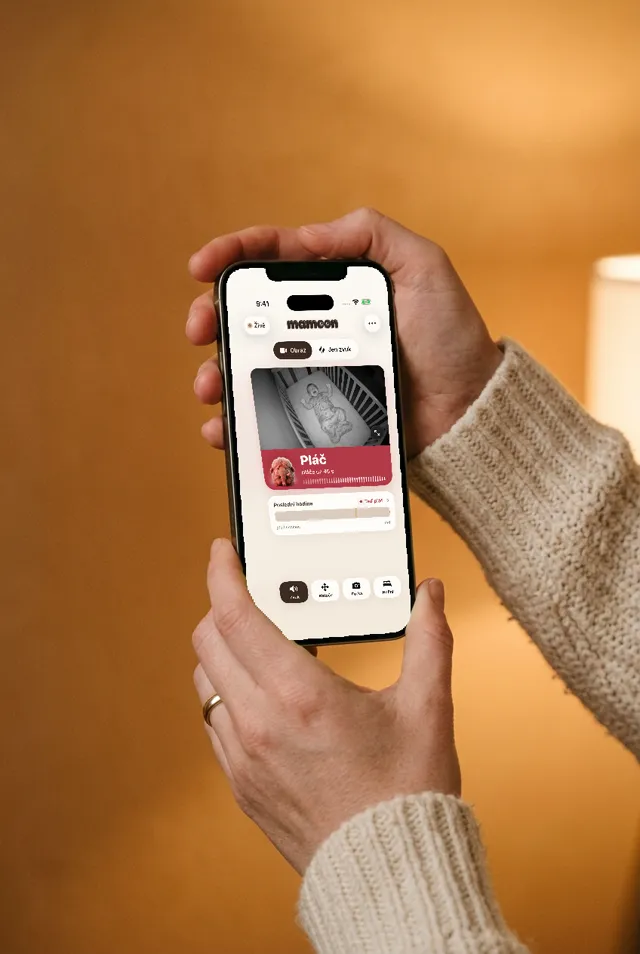
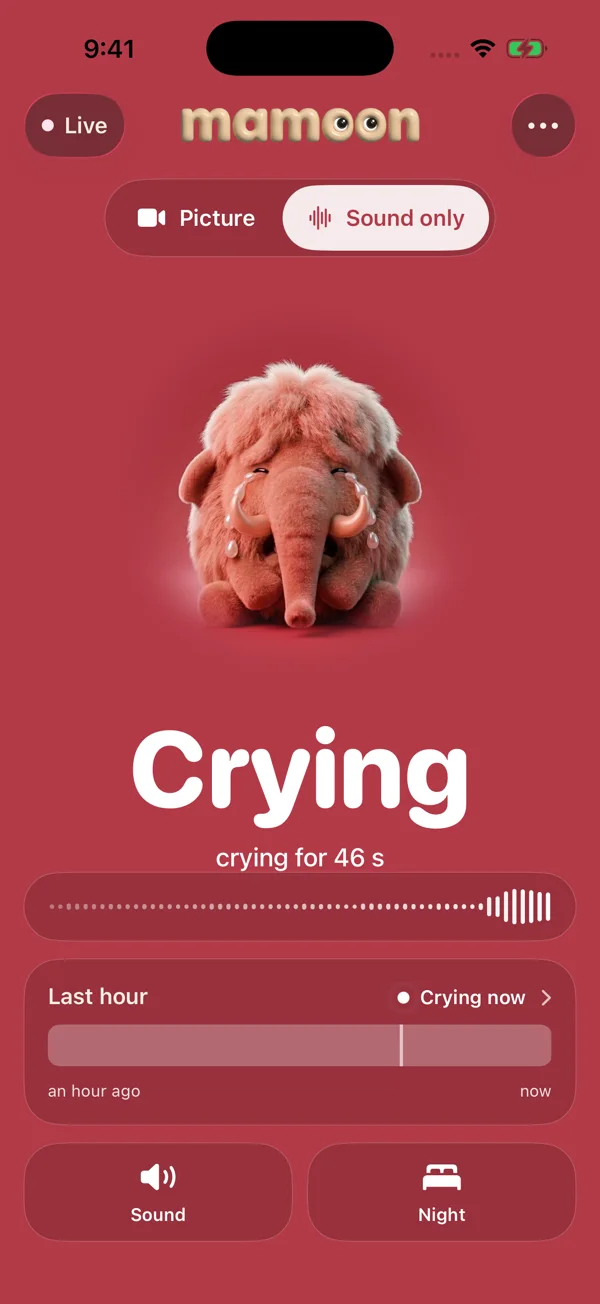
This is Mamoon’s real screen, running the app’s own rules. Play a sound from the nursery and watch what the phone by your bed does.


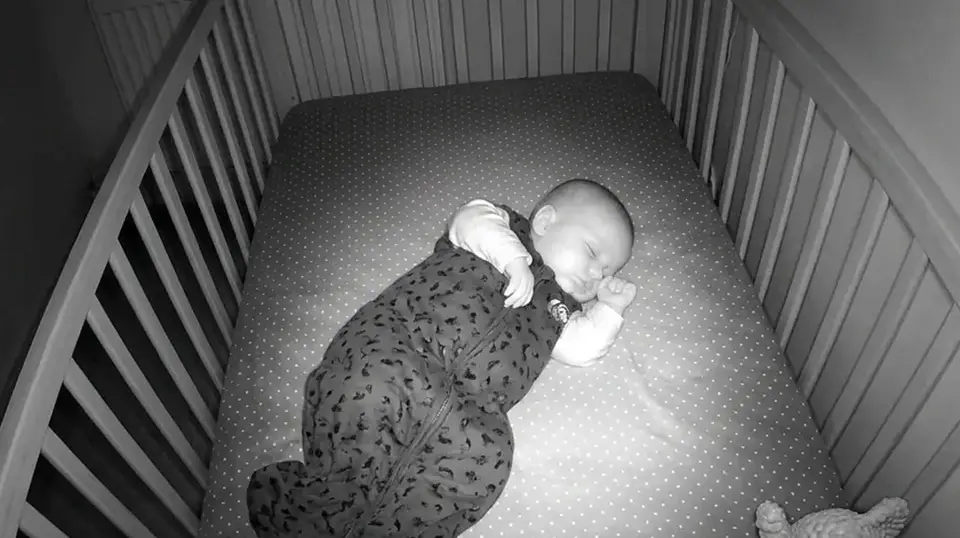
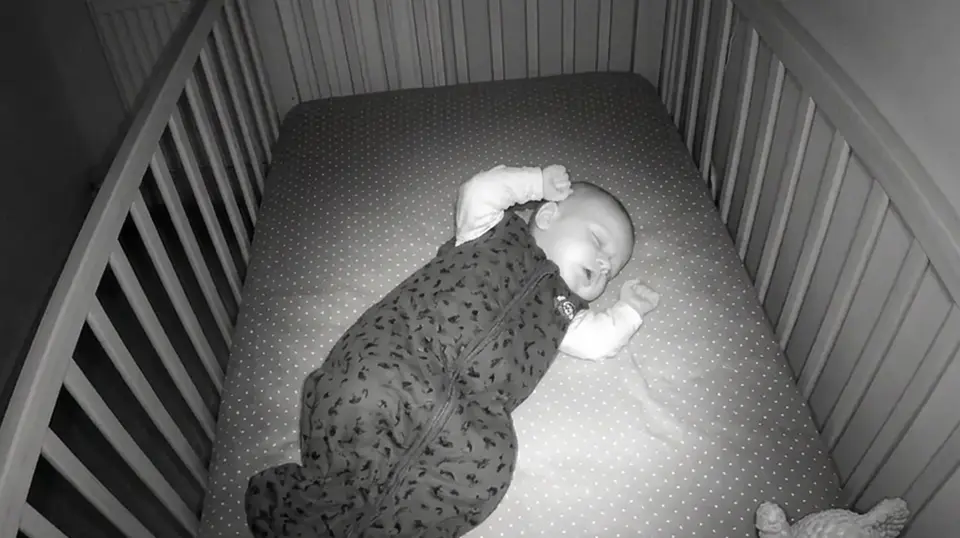
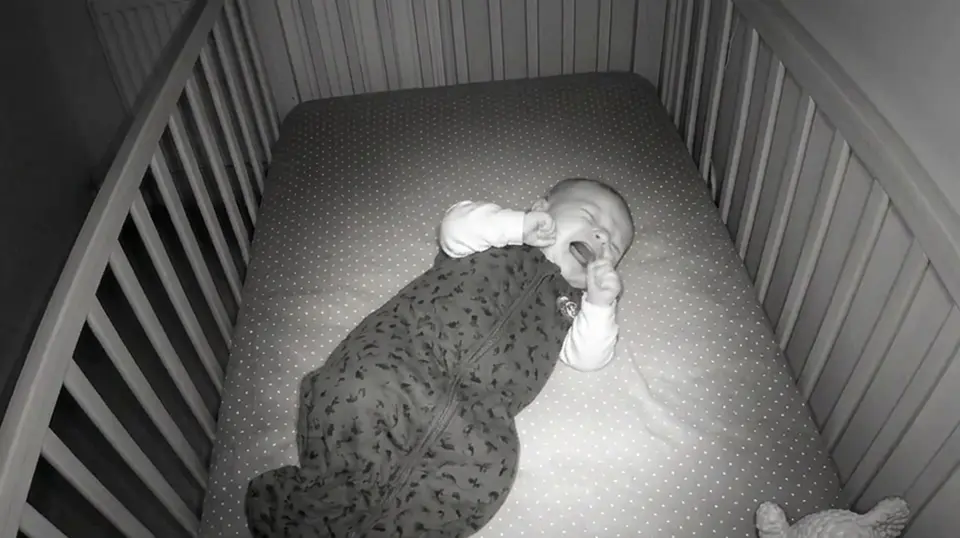

It tells a baby’s cry from other sounds, right on the phone. A dog or a door won’t wake you.
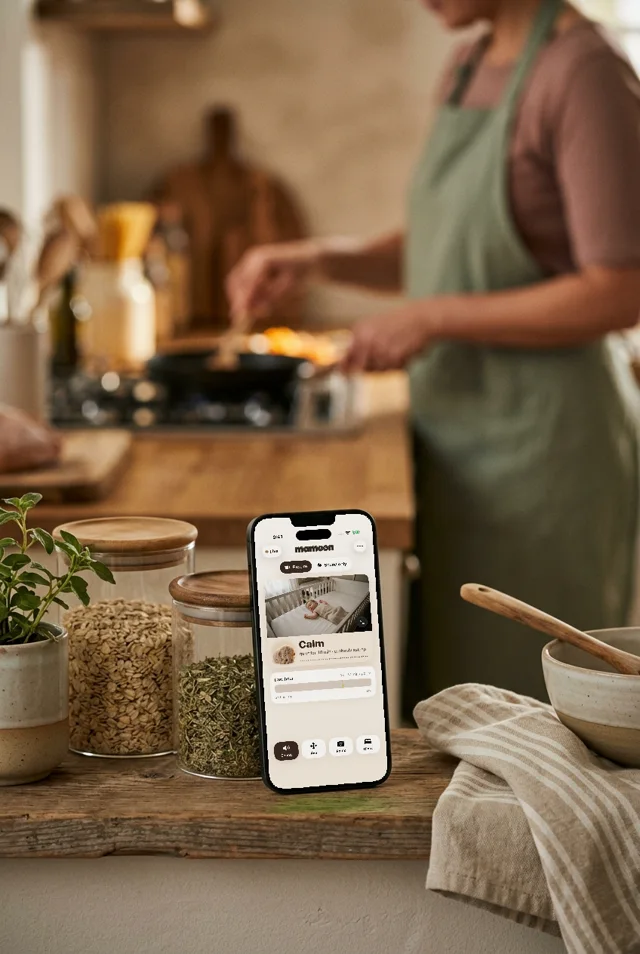
Live video on top, the room’s status underneath. You can read the color from across the kitchen.
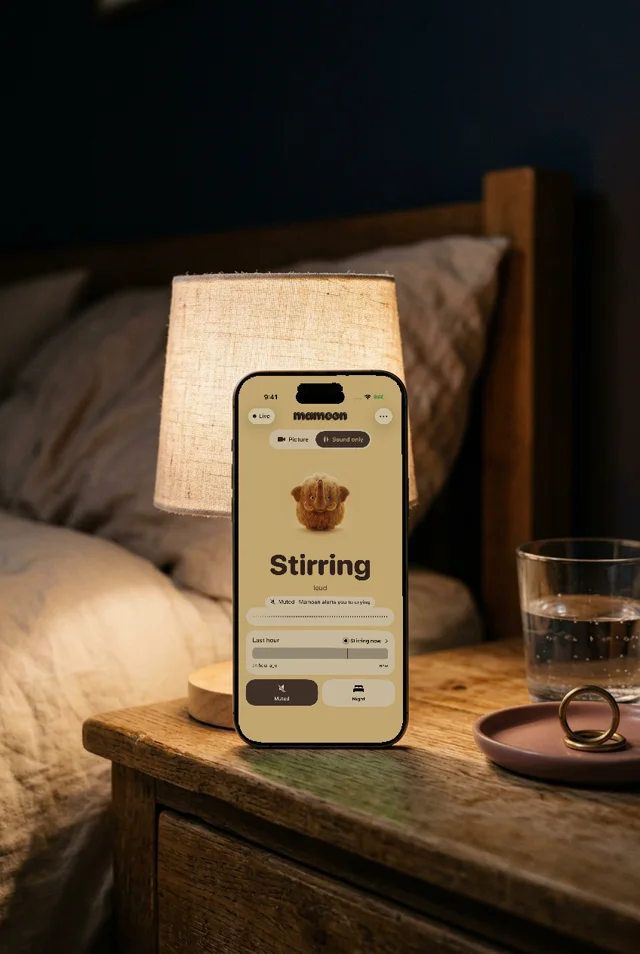
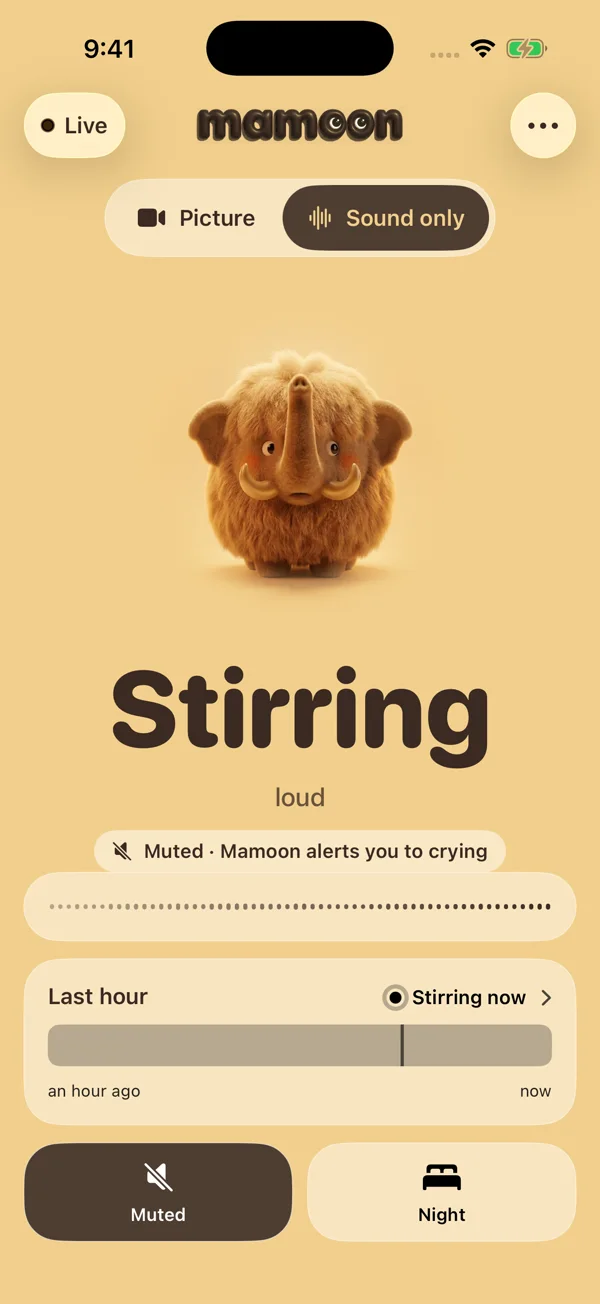
Turn the sound off and go to sleep. A cry still wakes you, even with the phone locked.
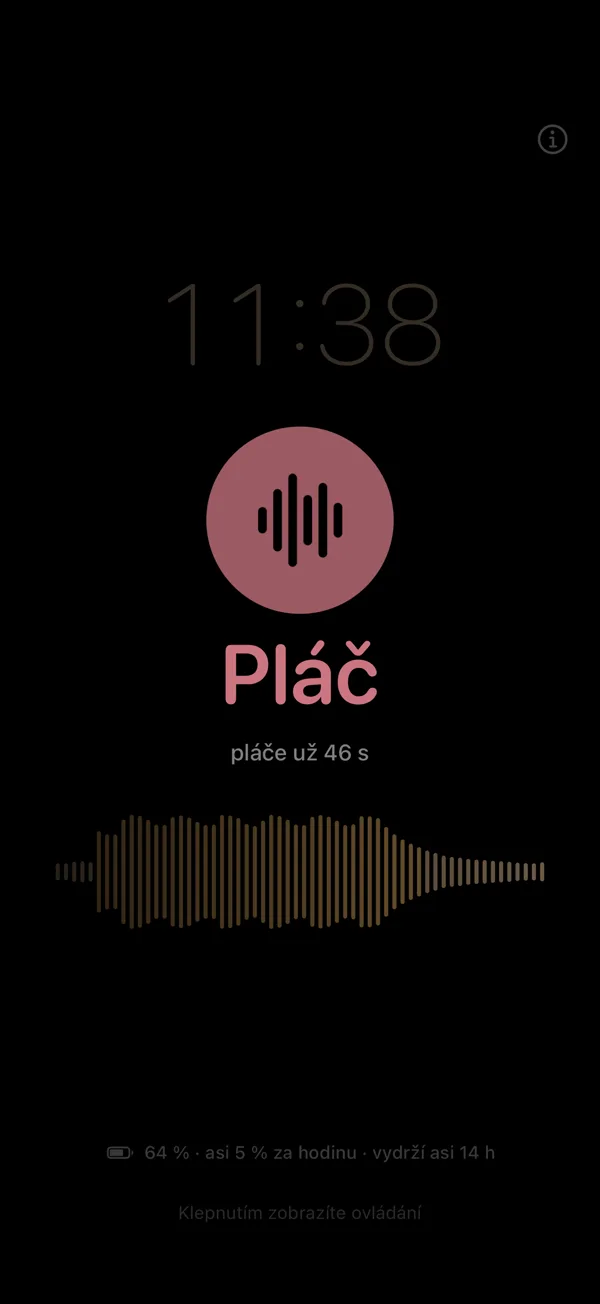
The screen dims almost to black. The clock and the status glow just enough to read from your pillow.
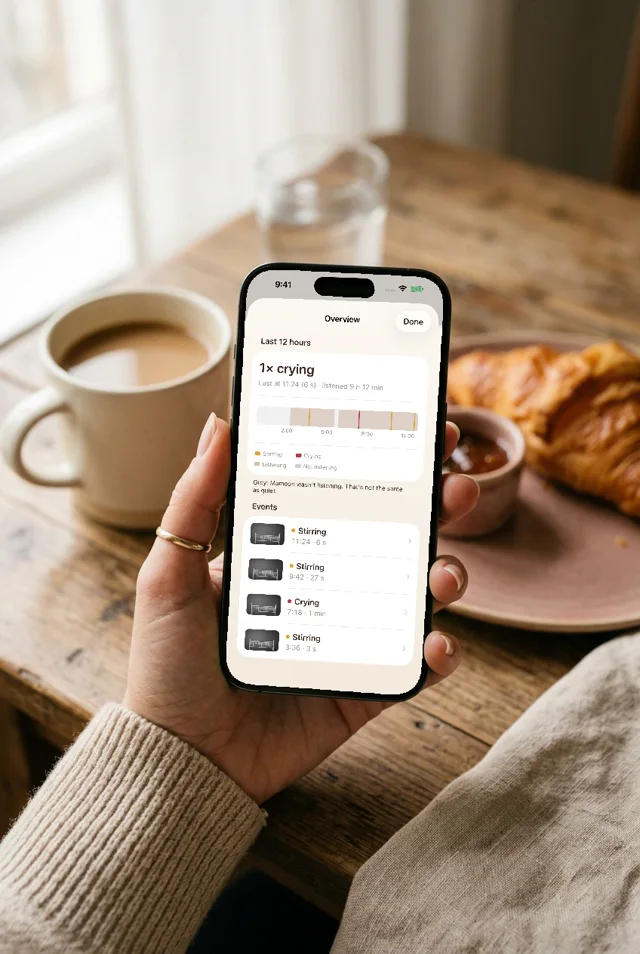
Twelve hours on one line, with a snapshot of every sound and every cry.
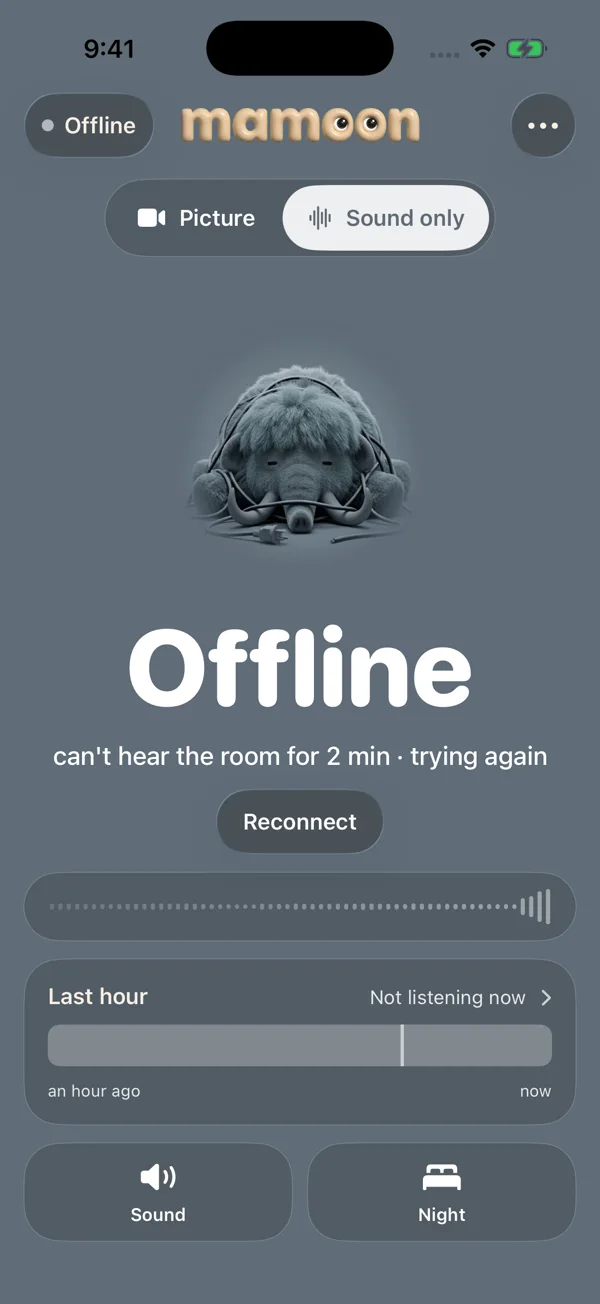
If the Wi-Fi drops, the screen turns gray and alerts you within 20 seconds.
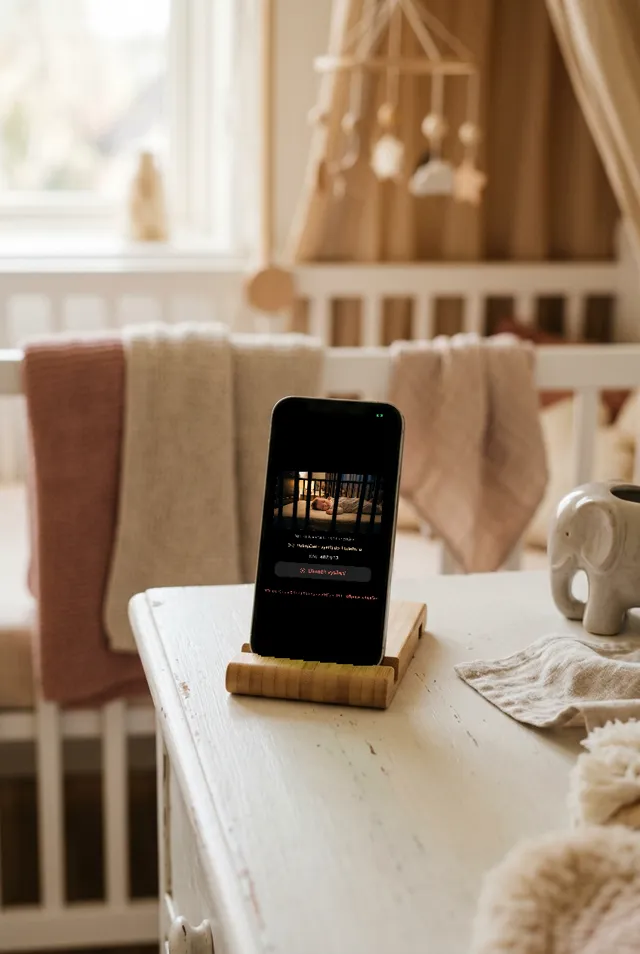
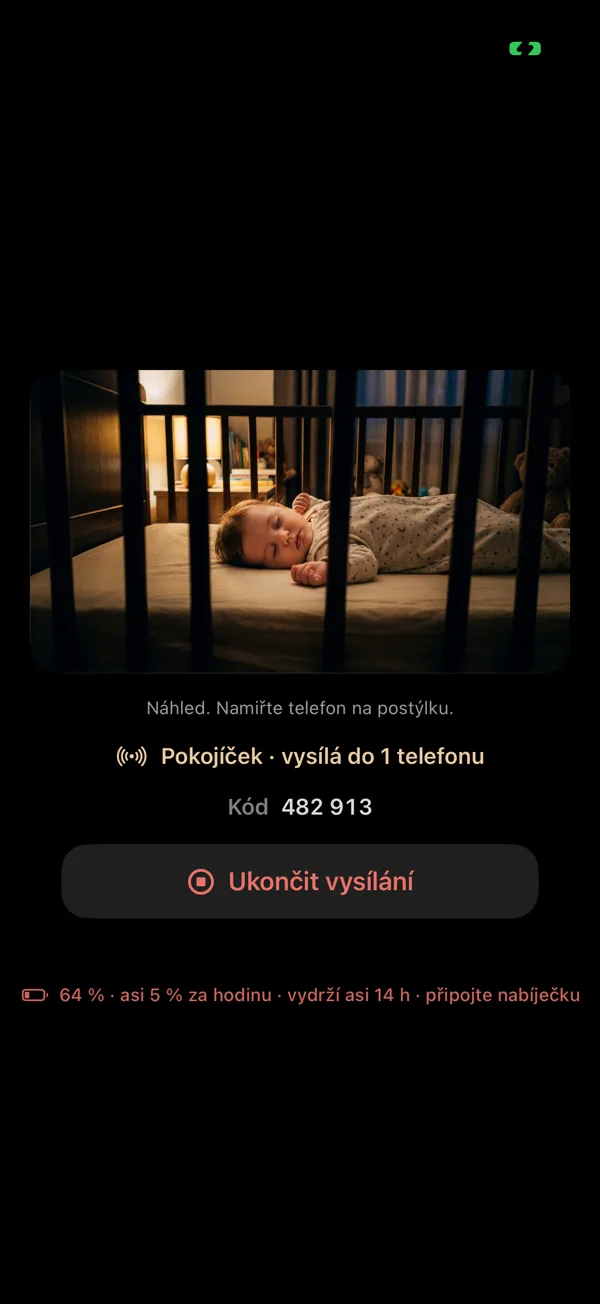
By the crib it shows who’s watching and how long the battery will last.
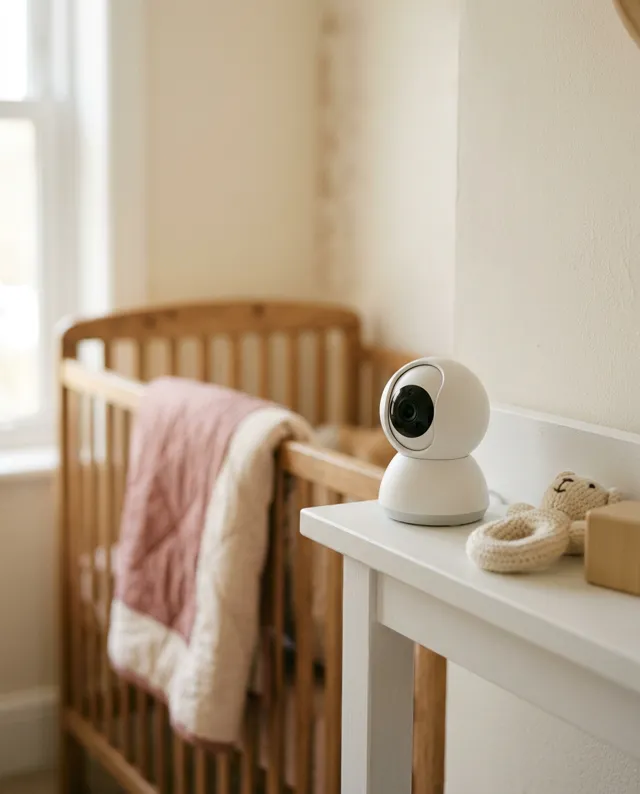
Skip the pricey monitor that does one thing. Use an old phone, or a cheap Wi-Fi camera with night vision. Mamoon works with either.
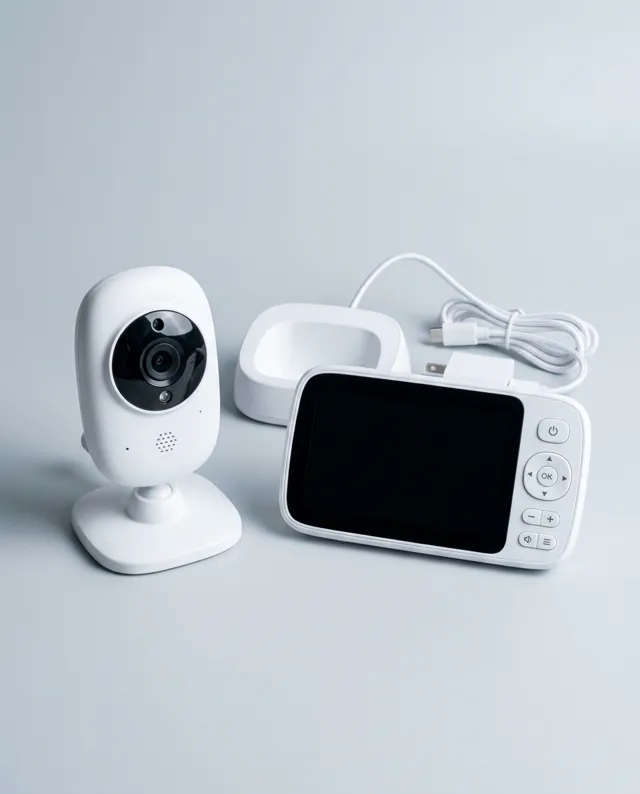
Head to head: Mamoon vs Philips Avent · vs Nanit · vs Owlet · vs Bibino · best video baby monitors
 Live
Live
 Calmquiet for 18 min · probably asleep
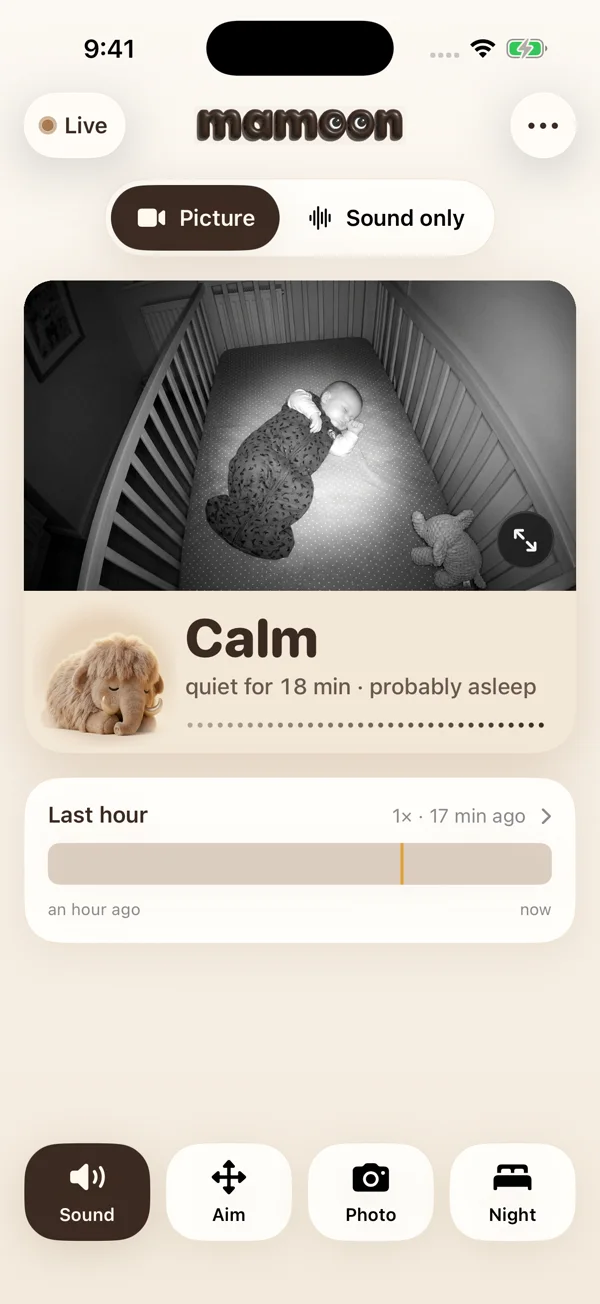
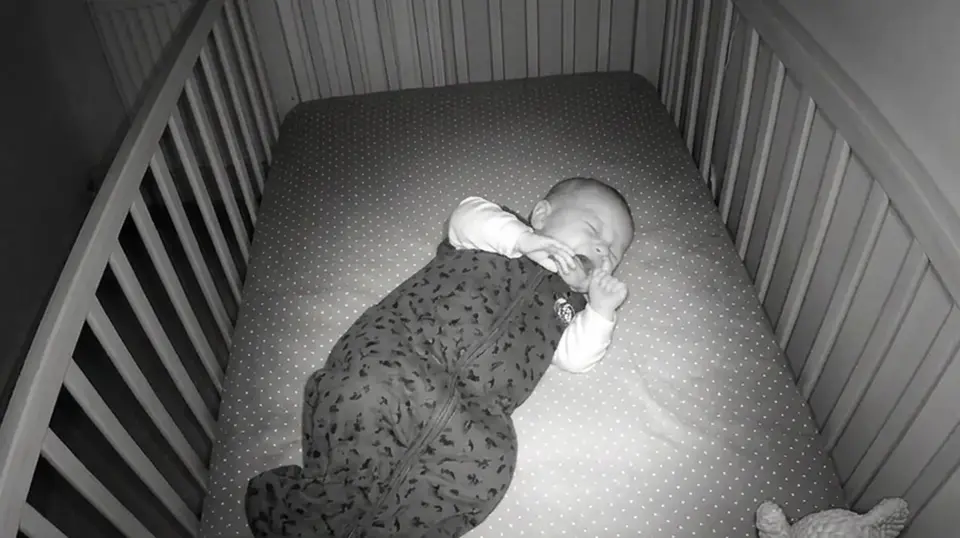
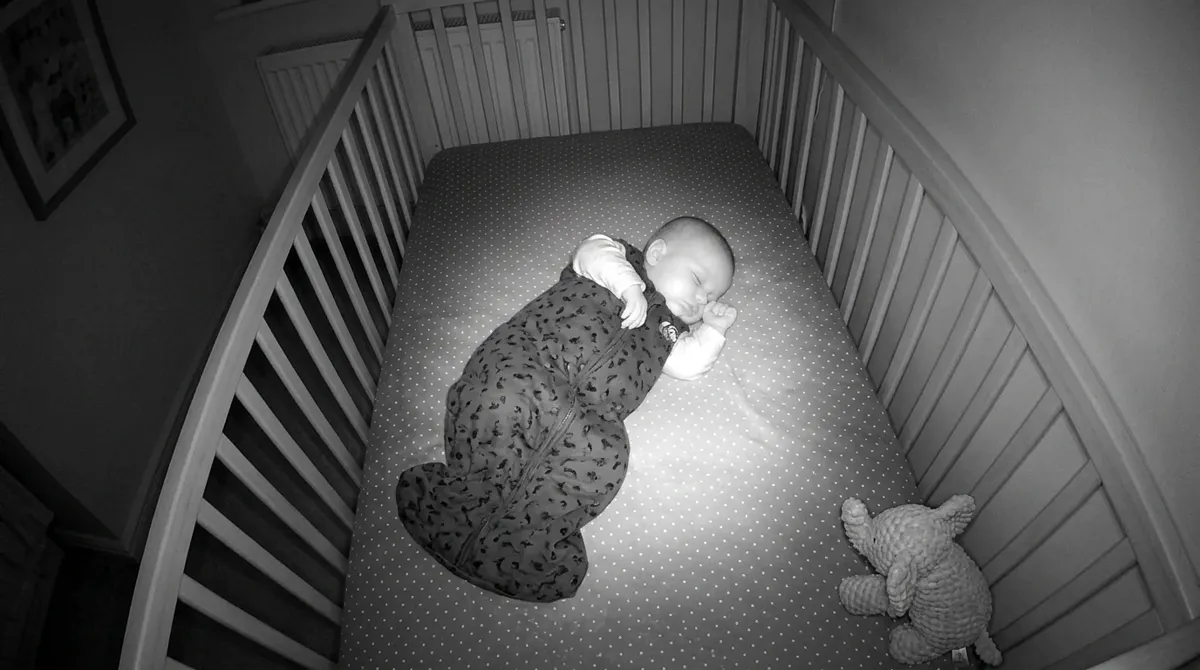
Wi-Fi cameras have night vision, so you see the baby clearly in a pitch-dark room. An old phone needs a little light; a night light will do. Either way, the picture goes over your own Wi-Fi.
A dog, a door or voices show as Stirring and let you sleep. You choose what’s worth getting up for.
Leave the phone by your bed all night. It won’t switch off, won’t dazzle you, and glows rose the moment the baby cries.
All you need is the phone in your drawer, or a Wi-Fi camera you already have.
A camera in the nursery is the most private camera in your home. So Mamoon is built without anything that could look in: no cloud to break into, no account to leak, nothing that identifies you.
| Mamoon | Cloud monitor | |
|---|---|---|
| The video | over your Wi-Fi | through a company server |
| Account | none | email and password |
| If the company is hacked | nothing to leak: no video on a server, no accounts | video and accounts on their servers |
| Internet down | keeps watching | depends on the server |
| Price | sound free; the picture $29.99 once, or $3.99/month with 14 days free | the device, often a subscription too |
Mamoon is built for home Wi-Fi. Away from home, it works over the free Tailscale VPN, which encrypts the connection too.
Being woken by a cry shouldn’t cost a thing. If you also want to see the baby, add the picture.
Only the phone you watch on pays. No ads. The monthly plan can be canceled any time in the App Store or Google Play.
Sound and cry alerts are free, forever. The picture is a one-time purchase: $29.99 once, yours for good. Or take it monthly: $3.99 a month, with the first 14 days free and the option to cancel any time in the App Store or Google Play. Post about Mamoon and the lifetime price drops by 40%. Only the watching phone pays: the phone or camera by the crib costs nothing, and one purchase covers every device on the same Apple or Google account. No ads.
An iPhone XS, XR or newer with iOS 17, or Android 8 and up. By the crib, a phone you no longer use is ideal.
You can. A dedicated video monitor runs $50–400 and only watches. With Mamoon the camera is an old phone for nothing, or a Wi-Fi camera from about $20 that also sees in the dark and can be aimed from your phone. The parent screen is your own phone, so there’s nothing extra to charge, and it tells a cry from other sounds. Mamoon is $29.99 once, for life, less than almost any video monitor. All the options compared.
Yes. A Wi-Fi camera with night vision shows a sharp black-and-white picture even in a pitch-dark room. An old phone as the camera needs a little light, such as a night light.
No. Your home Wi-Fi is enough, even with the internet down. Two iPhones can connect to each other directly, without a router. On the go, turn on a hotspot on one phone.
No. An old phone does the job. If you already have a Wi-Fi camera (TP-Link Tapo, Hikvision, Dahua, Imou or anything that speaks RTSP), Mamoon finds it on your network by itself.
Yes. Sound and alerts keep going with the screen locked or while you’re in another app. On iPhone the picture shrinks to a small window, and the Lock Screen shows that Mamoon is watching.
A cry arrives as an ordinary notification, even with the screen locked and the nursery muted in Mamoon. If the phone itself is on silent or Do Not Disturb, though, a notification only lights up or vibrates. For the night, leave the ringer on, or allow Mamoon through in your Sleep or Do Not Disturb settings.
Mamoon notices a camera that sends nothing and says so, and opens the maker’s app in one tap so you can switch it on. As soon as the camera sends again, Mamoon reconnects by itself.
One-tap photos, picture in picture, Siri and Shortcuts, iPad, VoiceOver and TalkBack, in English, Czech, German, Spanish, French and Polish. After any dropout it reconnects on its own.
On Android, today: Mamoon is on Google Play. The iPhone version comes to the App Store soon; leave your email and we’ll write the day it’s out.
Hear and see your baby from the next room. Sleep through everything that isn’t a cry.
Cry alerts free, forever · the picture $29.99 once, or $3.99/month with 14 days free · on Google Play now, App Store soon