
- Most baby monitor interference comes from other 2.4 GHz devices (the Wi-Fi router, a microwave, Bluetooth) or from too many walls in between.
- DECT monitors use 1.88–1.90 GHz in Europe and 1.92–1.93 GHz in the US, so they rarely clash with Wi-Fi.
- A 2.4 GHz monitor can slow your Wi-Fi too; moving phones and laptops to the router's 5 GHz band helps both sides.
- The "1,000 ft" on the box is measured in open air; through two or three walls you get far less.
- A monitor should say when it lost the signal: a silent screen is not a quiet baby.
What causes baby monitor interference?
Two things cause almost all of it: a crowded radio band and distance. Most video monitors send in the 2.4 GHz band. So do Wi-Fi routers, Bluetooth headphones and speakers, and many Wi-Fi cameras. Microwave ovens heat food with "a very high power signal in the 2.4 GHz band". When two signals sit on the same frequency at the same moment, they collide, and the weaker one loses.
Modern digital monitors fight this by hopping. Infant Optics says its link "jumps across many channels in a rapid, pseudorandom sequence", and its newer version spots channels already busy with Wi-Fi. Hopping cuts the damage but cannot cancel it. A microwave running near the camera can still freeze the picture for a moment.
Distance is the other half. Every wall, floor and appliance soaks up some signal. At the edge of range the picture stutters, the sound breaks into hiss, and the parent unit beeps "out of range". The table maps what you see to its most likely cause.
| What you notice | Most likely cause | Try first |
|---|---|---|
| Picture freezes for a few seconds, then recovers | A burst on 2.4 GHz: microwave, Bluetooth, a busy router | Move the camera unit away from the router and kitchen |
| Constant hiss or static in the sound | Weak signal at the edge of range | Bring the parent unit one room closer and listen again |
| "Out of range" beeps at the same spot every night | Walls, a floor, a fridge or a mirror in the path | Raise the camera unit off the floor; change the parent unit's spot |
| Wi-Fi slows down when the monitor is on | The monitor and the router share 2.4 GHz | Put phones and laptops on the router's 5 GHz network |
| Voices or crying you don't recognize | An older analog monitor nearby on the same channel | Switch channel; consider a digital monitor |
| Drops only at night | The neighbors' Wi-Fi and streaming peak in the evening | Change the router's 2.4 GHz channel to 1, 6 or 11 |
Does a baby monitor interfere with Wi-Fi?
Yes, a 2.4 GHz monitor can slow your Wi-Fi, because both send on the same band. A 2009 study for the UK regulator Ofcom found that baby monitors, security cameras and microwaves caused more Wi-Fi trouble than neighboring Wi-Fi networks did, as Computerworld reported. A video monitor sends all night without a pause, so it is a steady neighbor, not a passing one.
The fix is to give each its own space. Most current routers also have a 5 GHz band. Phones, laptops and TVs moved there leave 2.4 GHz to the monitor, and they usually get faster anyway. On a 2.4 GHz-only router, the usual advice is one of the three channels that do not overlap, 1, 6 or 11. Many Wi-Fi cameras can't move: the Tapo C200 connects on 2.4 GHz only, so it stays in the crowd.
Which radio does your monitor use?
The box or the manual says it, and the band tells you what can disturb it. Three kinds are common today.
| Radio | Band | Clashes with Wi-Fi | Trouble |
|---|---|---|---|
| Video, hopping (FHSS) | 2.4 GHz | yes | freezes |
| DECT (mostly audio) | 1.9 GHz | no | rare |
| Wi-Fi monitor or app | 2.4 / 5 GHz | is Wi-Fi | dead spots |
- Band
- The radio frequency it sends on. DECT uses 1.88–1.90 GHz in Europe and 1.92–1.93 GHz in the US; a Wi-Fi monitor uses whichever band your router gives it.
- Clashes with Wi-Fi
- Does it share the air with your router, Bluetooth and the microwave? is Wi-Fi: it is a device on your own network, so it is as good as your Wi-Fi in that room.
- Trouble
- What usually goes wrong: short freezes on a busy 2.4 GHz band, rarely anything on DECT, and dead spots far from the router for Wi-Fi monitors.
DECT has its own band, set apart from Wi-Fi. The DECT article notes that in the US band it is "less likely to experience interference from other wireless devices such as baby monitors and wireless networks". That is why the hiss of a DECT audio monitor almost always means distance, not a clash. If you want no Wi-Fi in the house at all, a monitor without Wi-Fi compares the radio units, and the other baby monitor guides cover the rest of the setup.
How far can a baby monitor reach?
Less than the box says, inside a house. Three radio monitors claim the same figure, and each measures it in the open, with nothing in the way. Nobody publishes a figure through walls, because it depends on the walls.
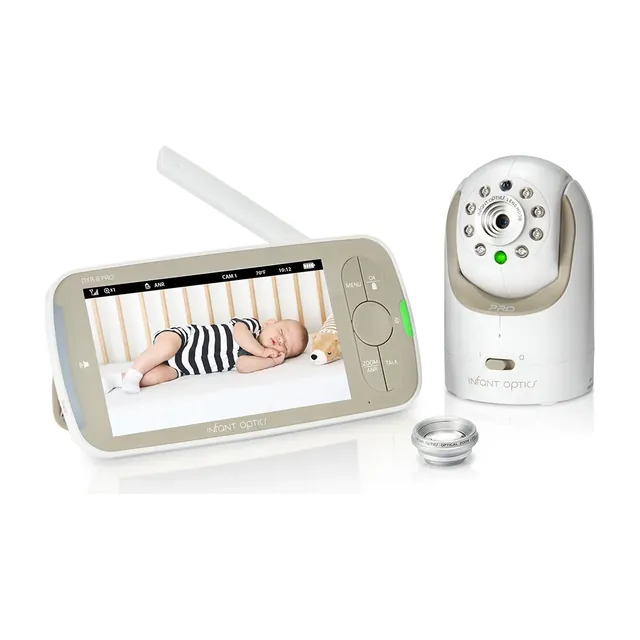 Photo: Infant OpticsInfant Optics DXR-8 PRO2.4 GHz FHSS
Up to 1,000 ft of "open-air range", in the maker's words.
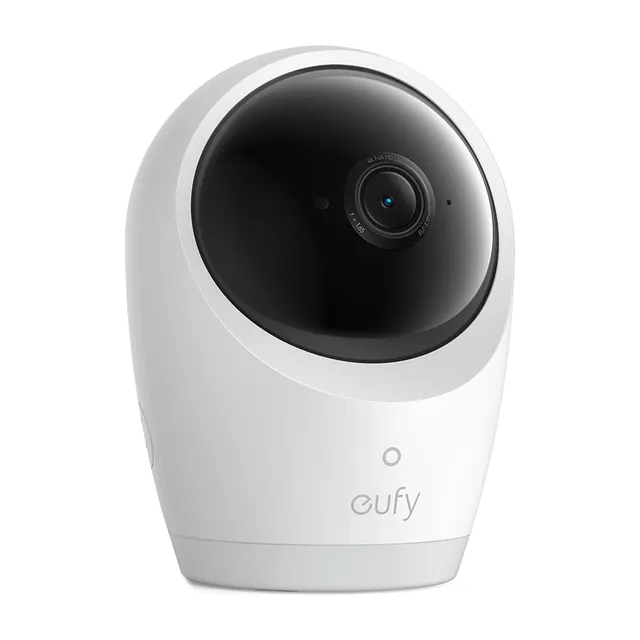 Photo:
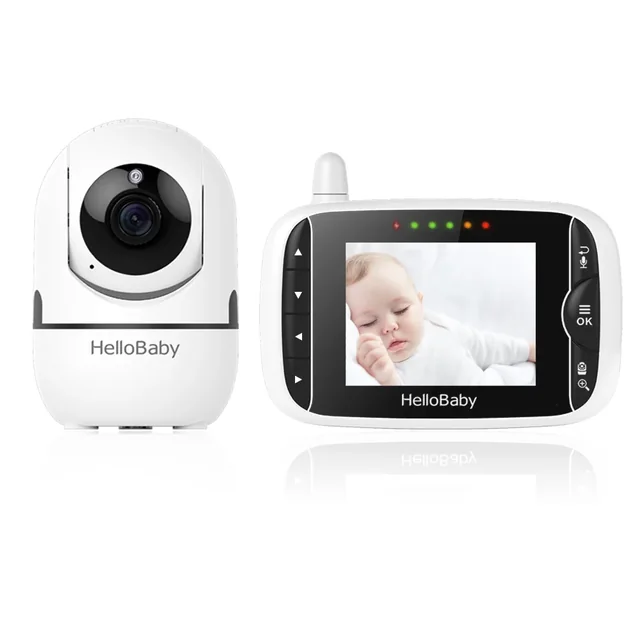 Photo:
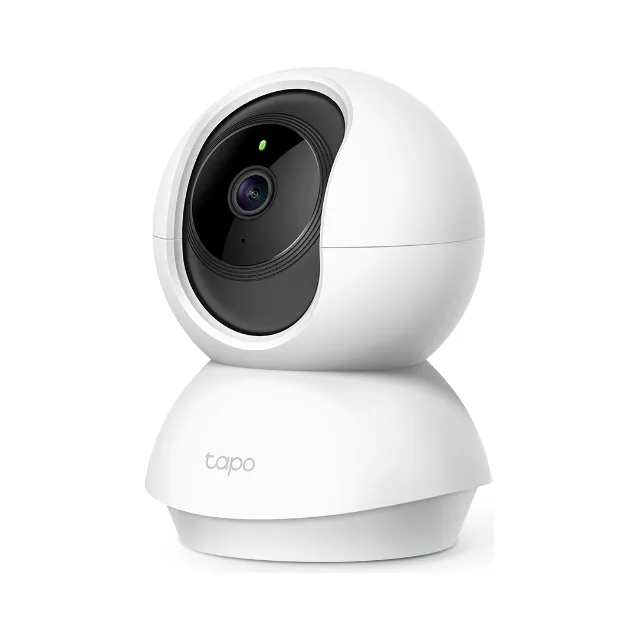 Photo:
Infant Optics, Hello Baby and eufy all say up to 1,000 ft, each in open air. Infant Optics puts a typical home router at about 150 ft indoors, "and that assumes line of sight", and adds that "walls, floors, and appliances reduce it further". The gap between those two numbers is the gap between a field and a house. A concrete floor, a bathroom full of pipes or a fridge between the rooms can cost more than the rest of the path together. When a page compares range, it is worth asking where it was measured; our Infant Optics comparison and eufy comparison say what each figure means.
Find the cause in ten minutes
Interference has a source you can switch off, and range has a spot you can move. This test tells them apart. Do it in the evening, when the trouble usually shows.
- Start the monitor where it always stands. Put the parent unit where you usually watch. You should see the problem you came for: the freeze, the hiss or the beep.
- Run the microwave for half a minute. Watch the picture. If it freezes only while the oven runs, the band is the cause; keep the camera unit away from the kitchen wall.
- Switch off the router for one minute. If the monitor clears up, the two clash. Move your devices to the router's 5 GHz network, or set its 2.4 GHz channel to 1, 6 or 11.
- Walk the parent unit one room closer. If the hiss stops a room nearer, the cause is distance, not interference. Moving the router never fixes this one.
- Raise the camera unit. Off the floor and away from metal, mirrors and the cordless phone's base, by about an arm's length. Keep its cable out of the baby's reach. Where to put the camera has the safe spots.
- Re-pair the units. In the manual, look for "pairing" or "channel". A fresh link picks a fresh channel, which helps when a neighbor's monitor sits on yours.
Where Mamoon fits
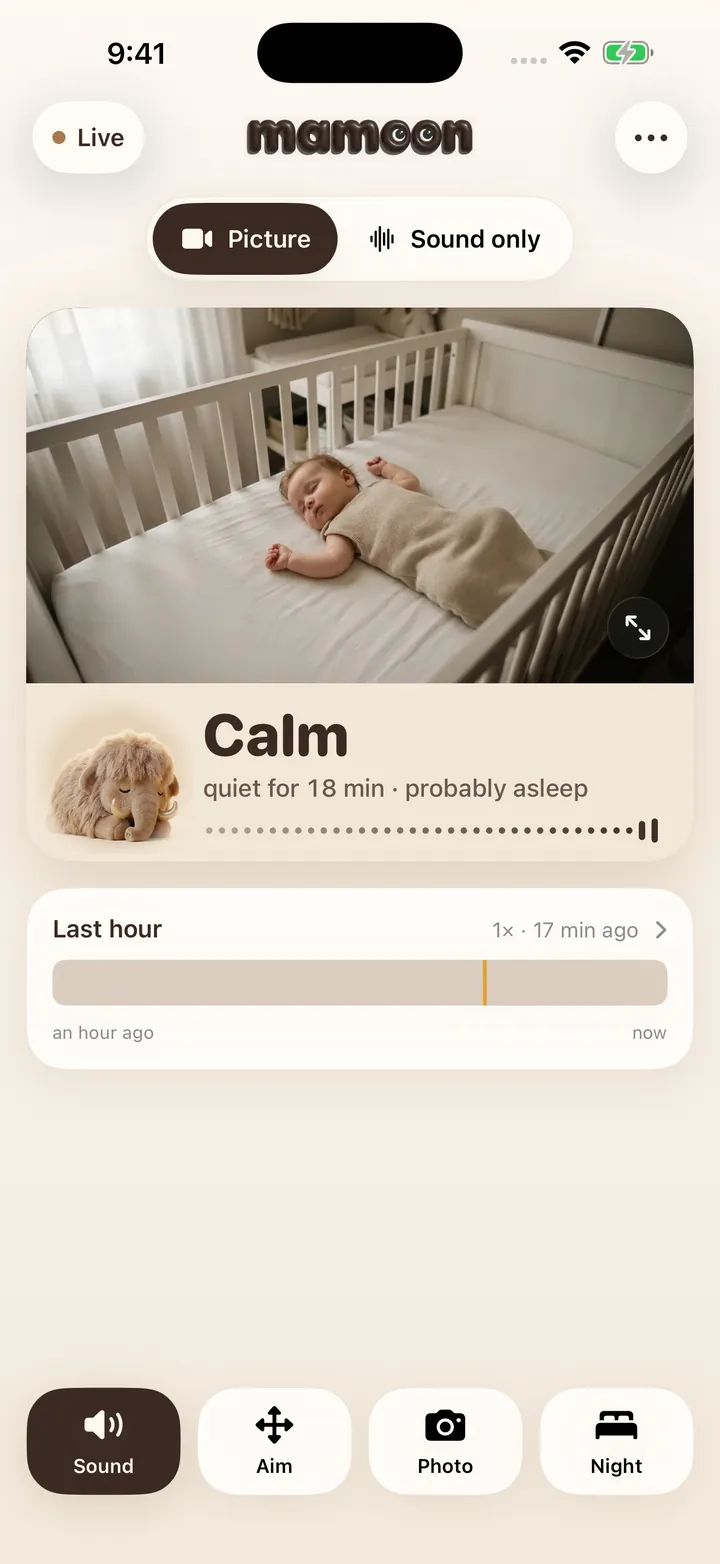
Mamoon is a baby monitor app: an old phone or a Wi-Fi camera by the crib, your own phone as the screen. Picture and sound go over your home Wi-Fi, not the internet: no cloud, no account, and it keeps working when the internet is down. Phones can use the router's faster band, away from microwaves. If the connection drops, the screen turns grey and the app alerts you. It does not reach past your Wi-Fi: a nursery with no signal needs a mesh node first. Sound and cry alerts are free; the picture costs $29.99 once or $3.99 a month after 14 days free.
Frequently asked questions
Why does my Hello Baby monitor keep glitching?
Hello Baby monitors send on 2.4 GHz, the band Wi-Fi, Bluetooth and microwaves use. Short freezes usually mean one of those is busy nearby; constant hiss usually means distance. Move the camera away from the router and try the parent unit one room closer.
Can a cordless phone interfere with a baby monitor?
A DECT phone can disturb a DECT monitor, because they share a band. An older cordless phone on 2.4 GHz can disturb a 2.4 GHz video monitor. Keep the phone's base station away from the camera unit.
Can my neighbors hear my baby monitor?
With an old analog monitor, sometimes: a neighbor's unit on the same channel can pick it up. Digital monitors scramble and hop their signal, so a neighbor's monitor will not simply play your nursery. The page on whether baby monitors can be hacked covers the rest.
Do all baby monitors emit EMF?
Every wireless monitor sends radio waves, whether it uses its own radio, DECT or Wi-Fi. A monitor without Wi-Fi is not a monitor without radio. Only a wired monitor sends none.
Why is my baby monitor worse at night?
Evenings are when neighbors stream video and the microwave runs, so 2.4 GHz is most crowded. If your monitor drops only then, the band is the cause, not the distance. A 5 GHz network for your other devices helps most.
Sources
- Wikipedia: 2.4 GHz radio use (microwave ovens, Bluetooth, baby monitors, channels 1, 6, 11)
- Wikipedia: DECT (1880–1900 MHz in Europe, 1920–1930 MHz in the US)
- Computerworld, May 11, 2009: Baby monitors, microwaves said to cause Wi-Fi interference (the Ofcom study)
- Infant Optics: Direct Private Signal (FHSS) (frequency hopping, 1,000 ft open air, Wi-Fi about 150 ft indoors; November 11, 2026)
- Hello Baby (HB65, 2.4 GHz, up to 1,000 ft tested in open air; November 11, 2026) and eufy Baby Monitor E21
- TP-Link: Tapo C200 (2.4 GHz only)
Spotted a mistake or an outdated figure? Write to [email protected].
How these pages are made: an AI model drafts them from our own tests, real app screens and the sources listed, and Jan Drábek checks every page before it goes live.
